 OPERATOR 91
User guides
How the people running the day actually use Operator 91 — each guide opens with a 20-second look at the real product, then the steps and the gotchas. No stock screenshots; this is the software.
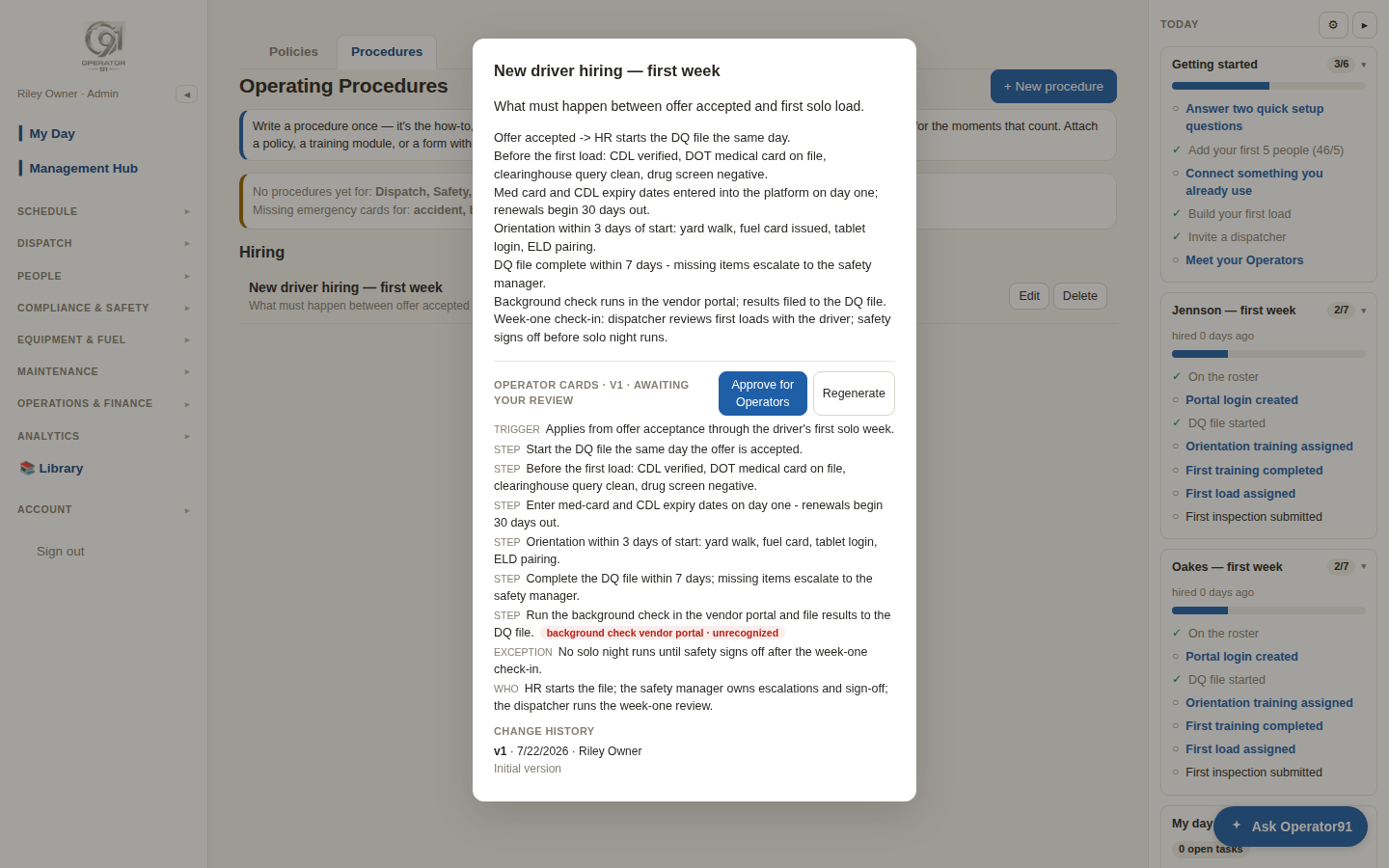
Paste the SOP you already have, approve the Operator cards, then wire its deadlines into live alerts — shown on the hiring process.
Management
Describe the job in plain words. The Builder offers the ready-made template first, then captures your house rules — grounded in your own SOPs by name — and dry-runs on real trucks before you approve.
Maintenance manager (and every manager after)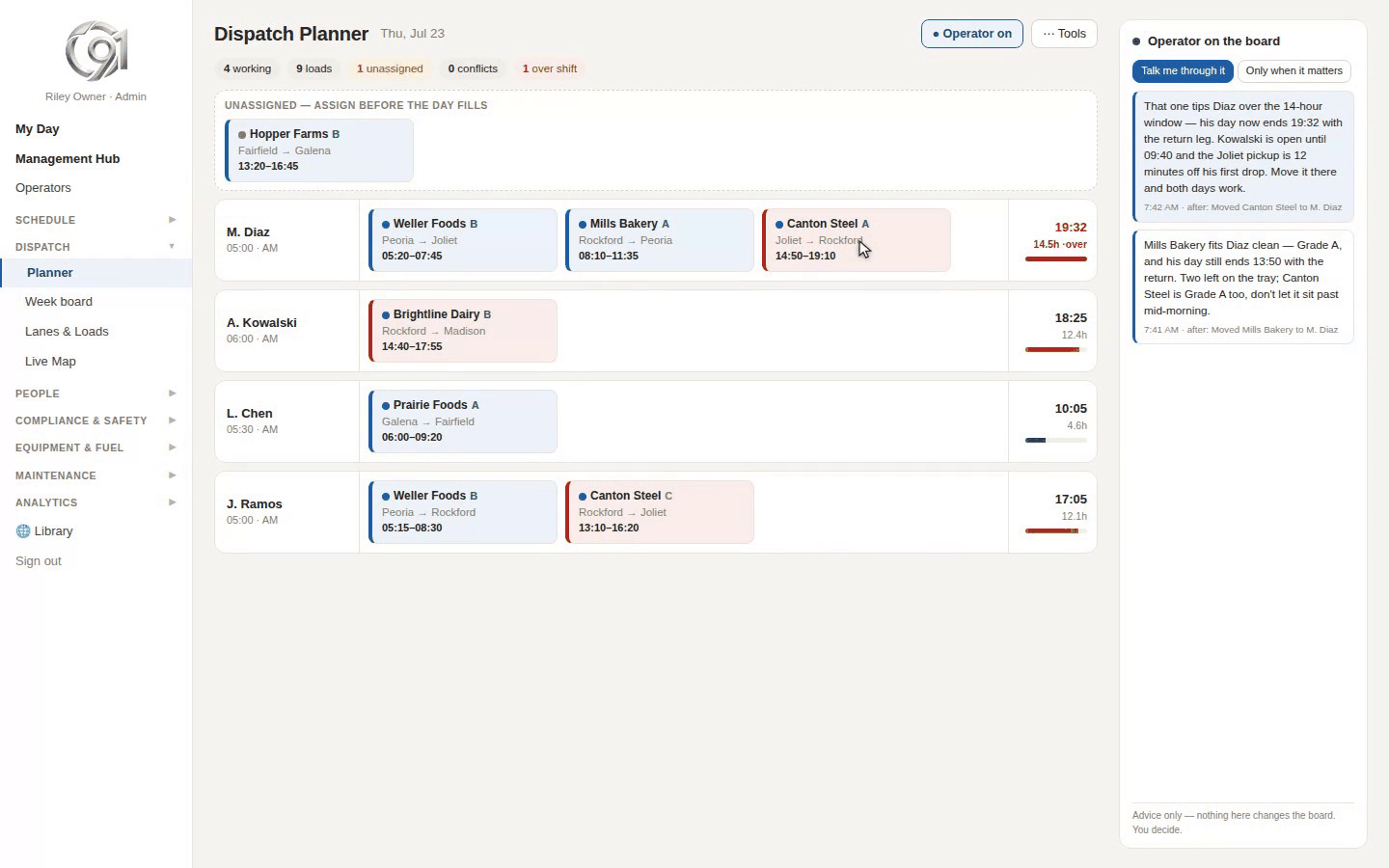
Drag-and-drop the day while an Operator advises on every move: it catches the over-hours assignment mid-build, names the driver with room, and spots the return leg.
Dispatchers and up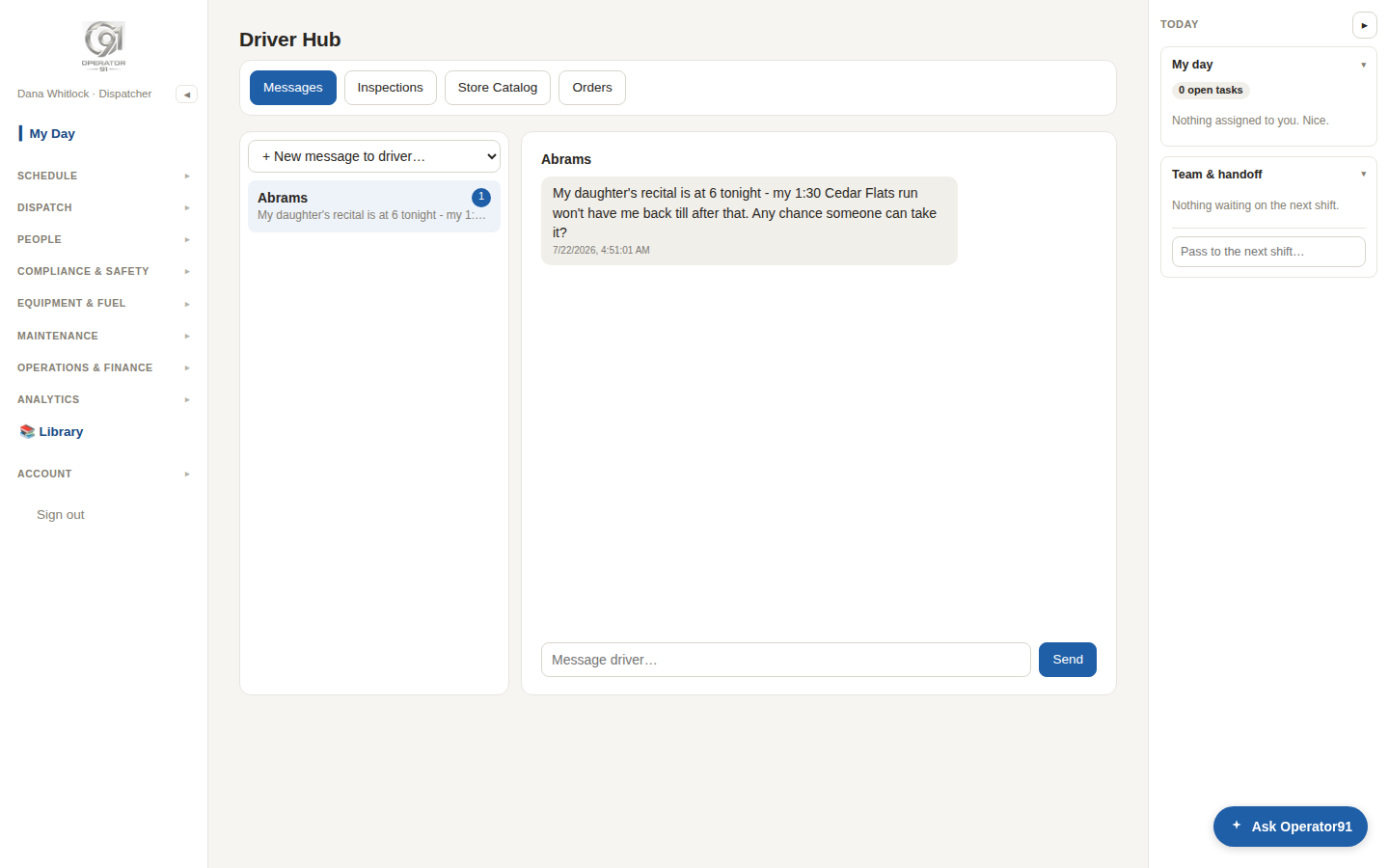
A driver's message comes in — Operator91 finds the swap that fits the longer load, and the Planner makes it real.
Dispatchers and up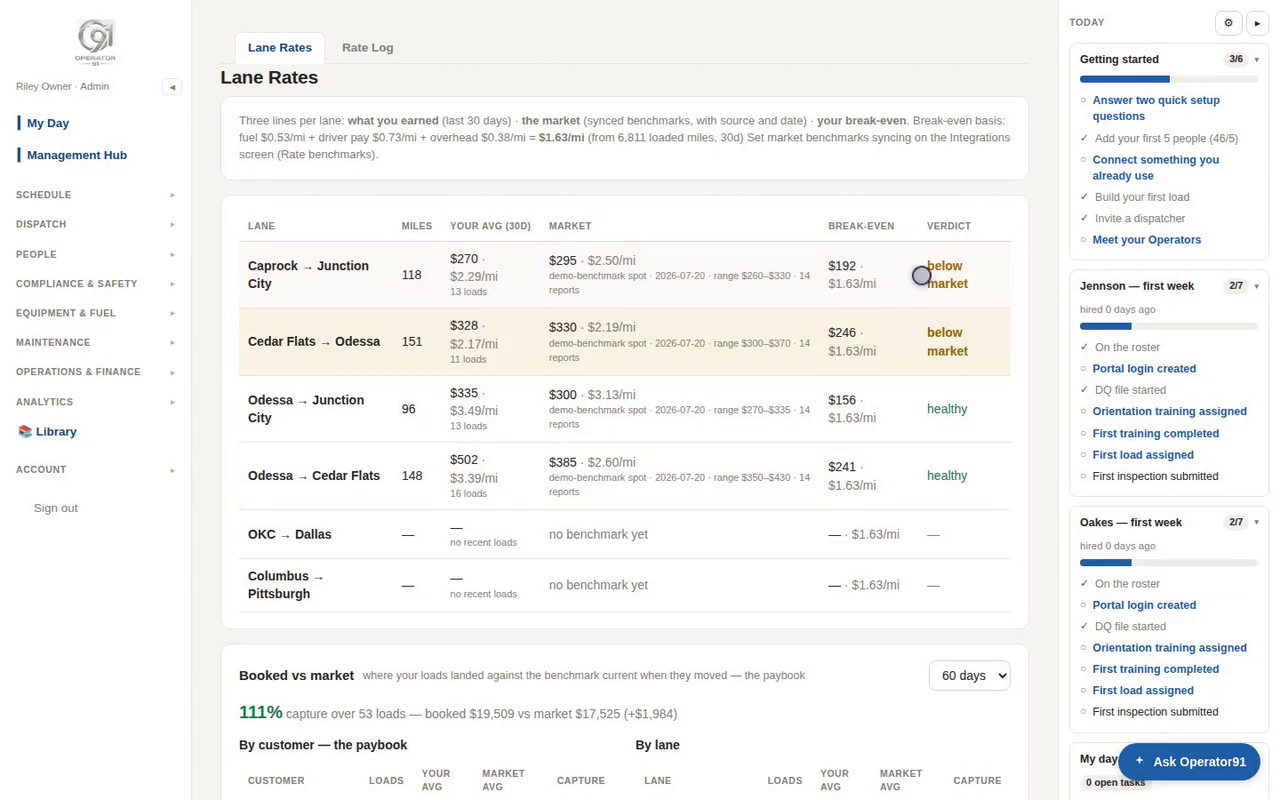
Three numbers per lane: what you earned, what the market pays, and your break-even from your own fuel and payroll.
Management / owner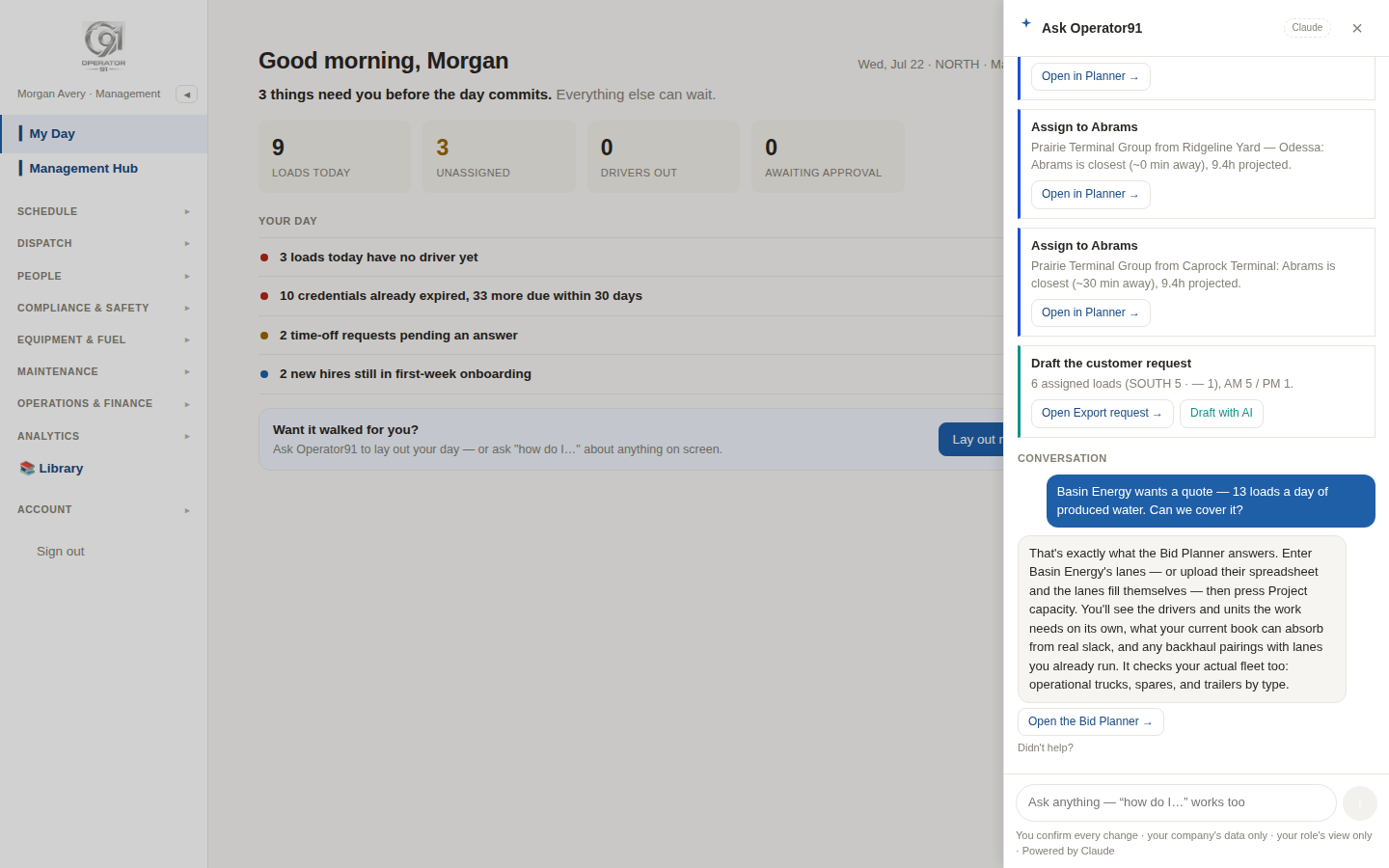
Ask “can we cover it?” — then project the drivers, trucks, and backhaul synergies the new work really needs.
Management / owner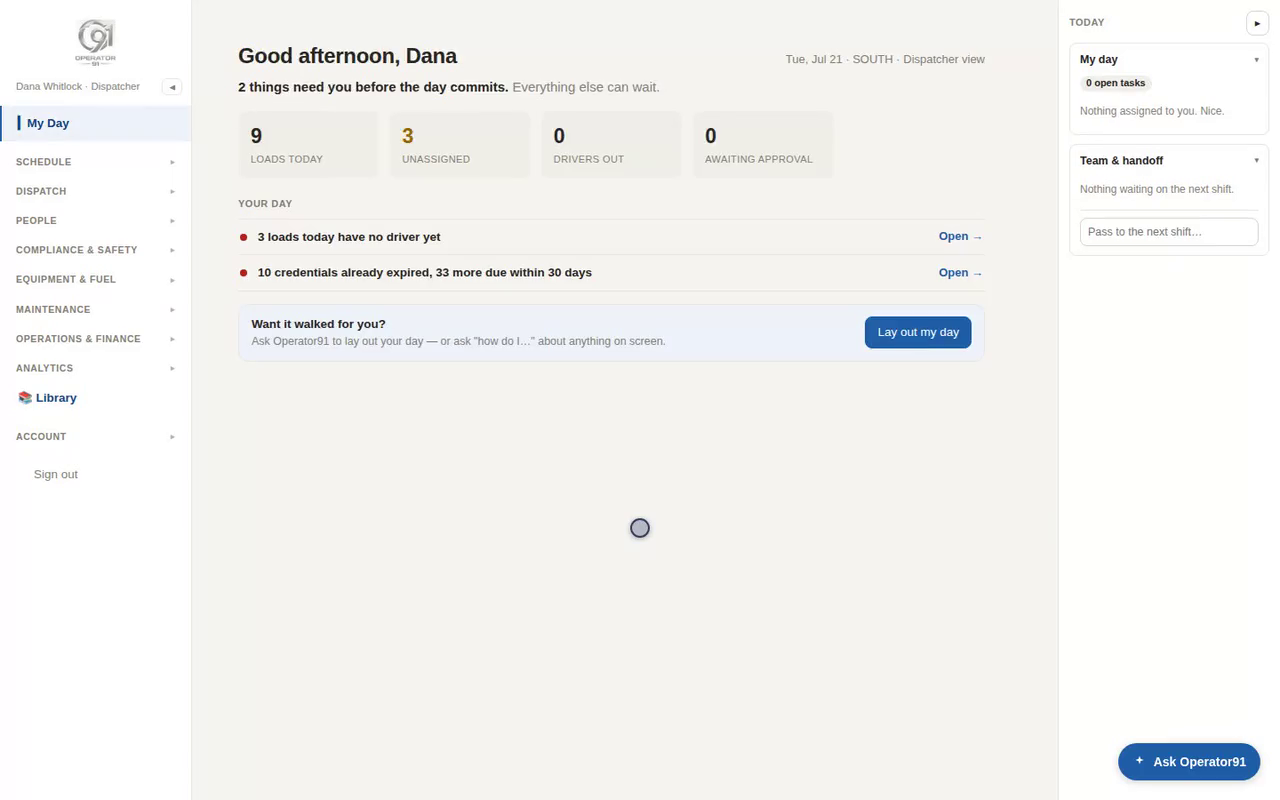
My Day ranks everything that needs you today, with a one-click jump to the page that fixes it.
Everyone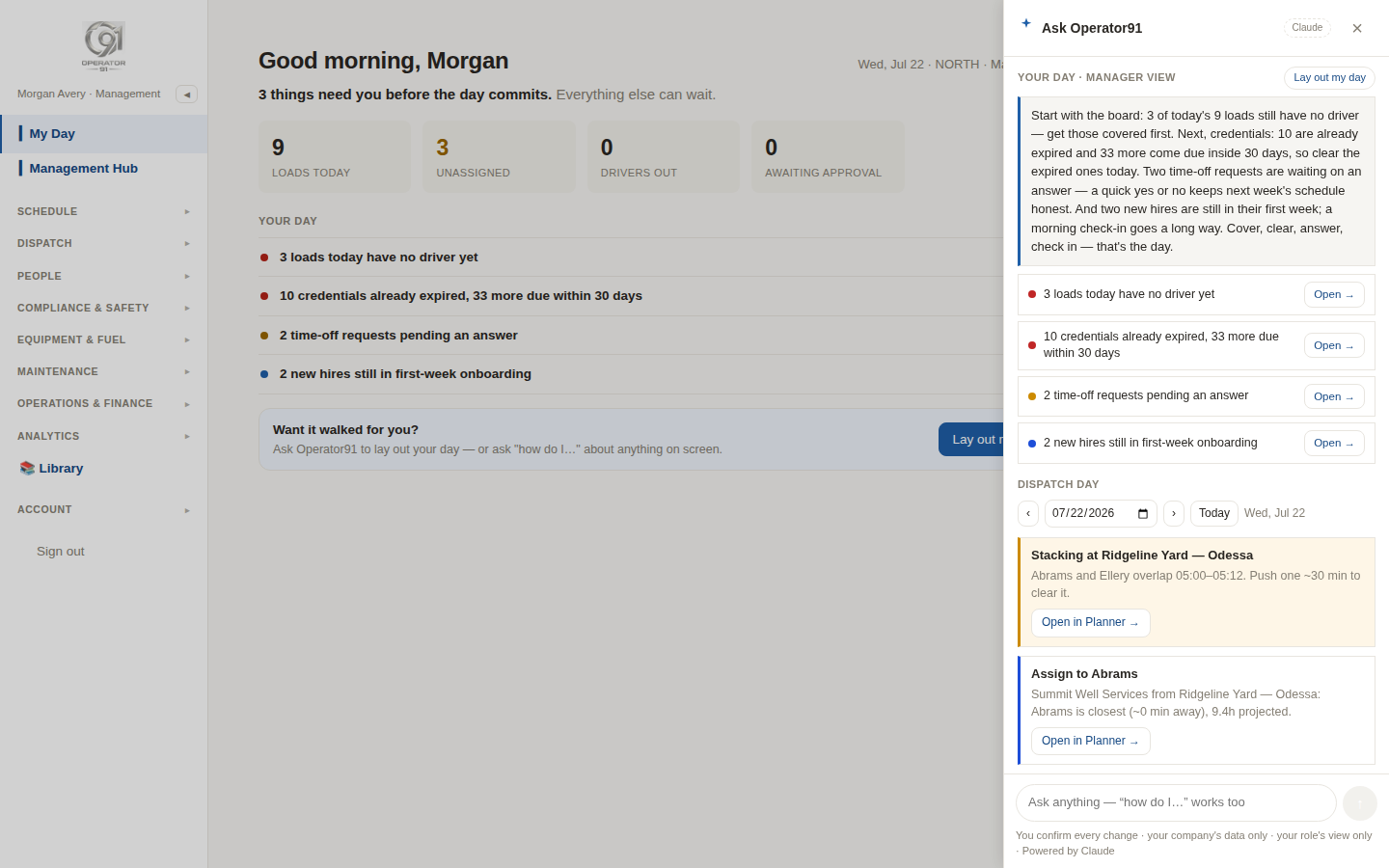
Ask Operator91 to lay out your day — a ranked, narrated plan where every line opens the page that fixes it.
Managers & owners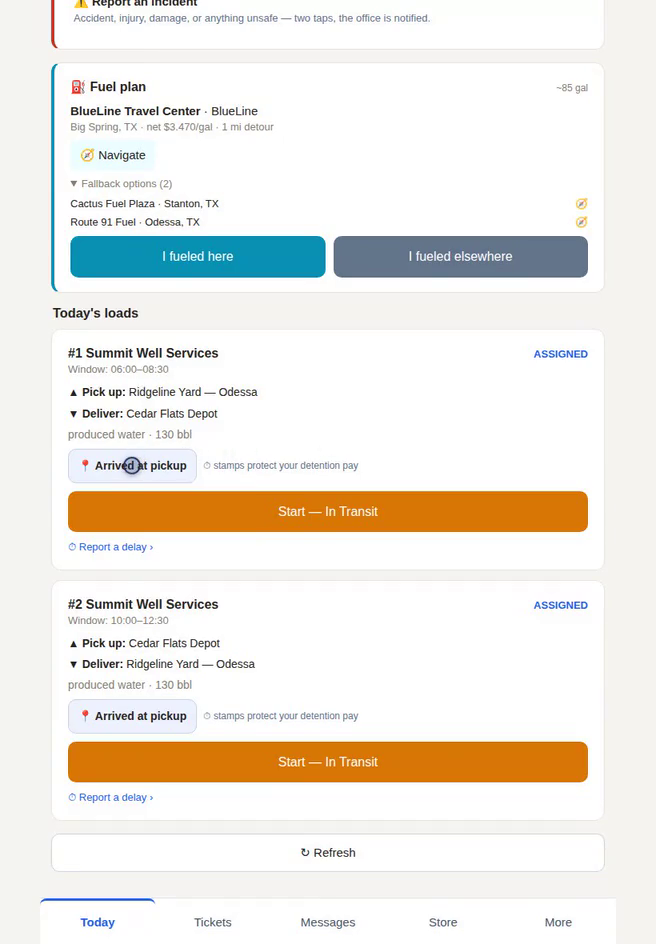
Today's loads, one-tap dock stamps that protect your detention pay, your fuel plan, and an always-there incident button.
Drivers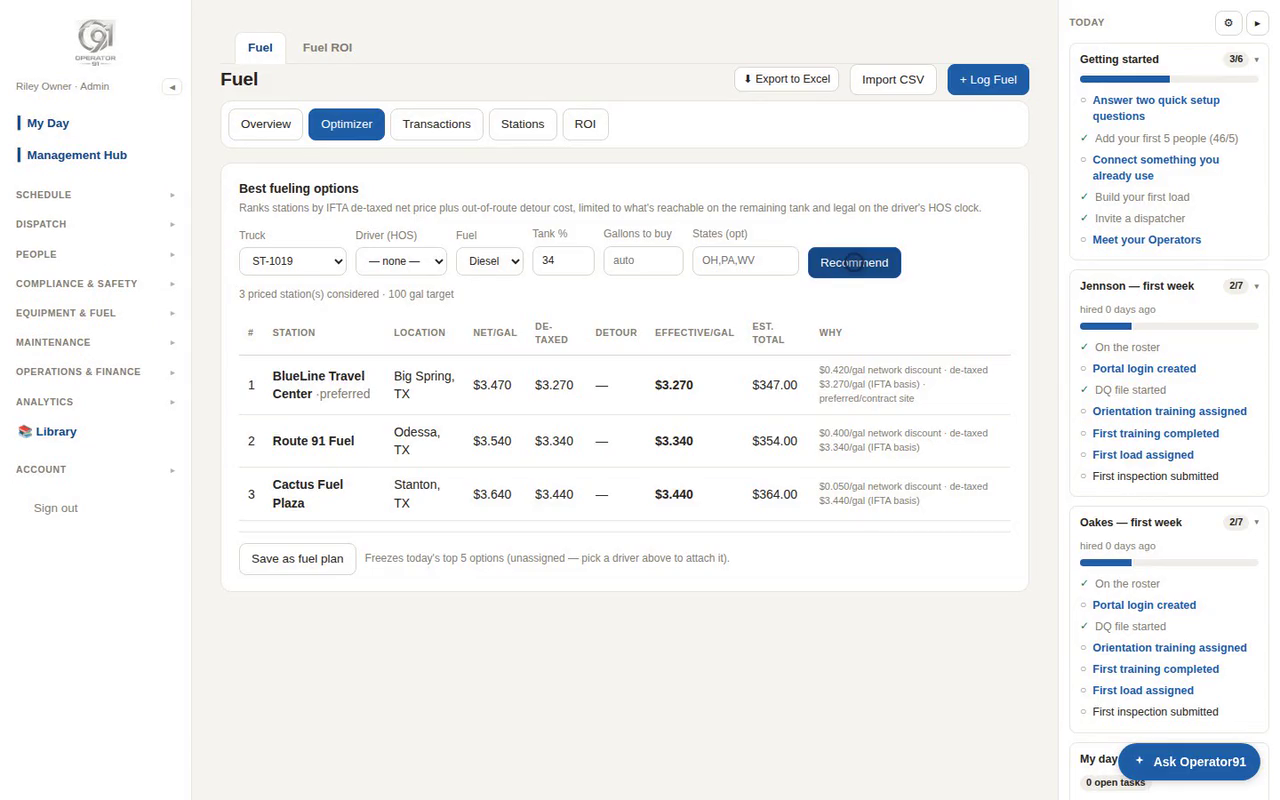
The optimizer ranks stops by the after-tax, after-discount price — never the pump sign — gated by hours of service.
Dispatch plans it, drivers run it, owners see the ROIMore on the way as modules roll out: the Library & enabling tools · maintenance & the shop board · the Money Desk · safety & coaching · hiring & the self-building DQ file · your customer's window.